
Put warranty details one scan away.
Give customers a lasting link to their coverage. Share an issued warranty by QR code or printable label, so product details and your contact information are easy to find.
QR sharing, printing and label customization: all plans, within warranty issuance allowances and role permissions.
One warranty. A label and a customer view.
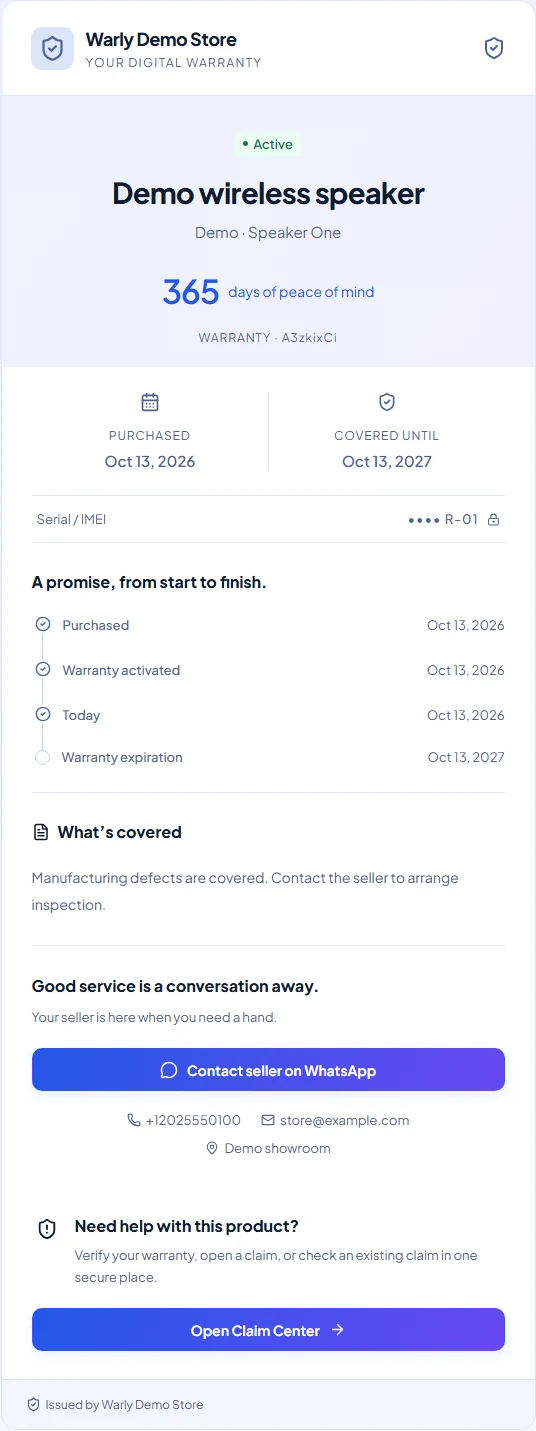
Print a label from the issued record. Its QR opens that same warranty's public page, with product details, coverage and the issuing business's contact information.
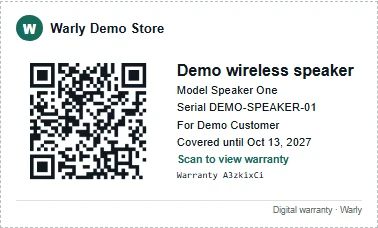
Scanning opens existing coverage; it does not register a product or activate a warranty.
Issue first, then share
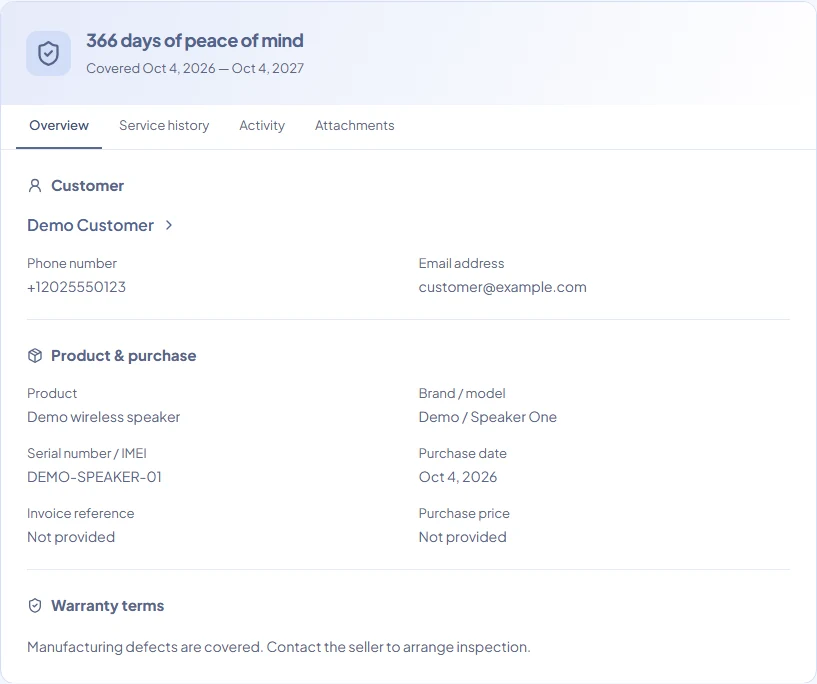
The merchant creates the warranty with customer, product and coverage details. Warly generates a QR for that warranty's public URL. Share the link, use the WhatsApp sharing action, download the QR image or print a label.
Share a warranty with a customerAn issued warranty, ready to access
You issue the warranty first; the customer scans to access it. A scan does not register a new product or activate coverage. This keeps the handover clear for your team and your customer.
How merchants issue a warrantyEasy access, with private details protected
The public warranty page opens in a browser without an app or account and shows limited product and coverage information. Full customer contact details remain private. Verified linked customers can access their warranties in the Customer Portal; claims additionally require an eligible issuer plan and an Active warranty.
Public and private warranty informationPrint for your counter, packaging or paperwork
Choose detailed labels, small QR stickers, compact or standard stickers, A4 or US Letter sheets, or a receipt-friendly block. Print up to 100 copies of one warranty or a batch of up to 50 selected warranties, one label per warranty.
Details and availability
- Preview dimensions and content before printing. Use actual size and test one sample with a phone camera.
- Detailed labels can include customer names and full serial numbers. Review the preview before attaching labels to public packaging.
Make every label feel like your business
Choose a template and adjust QR, background, text and accent colors, label text and the content switches supported by that template. Owners and Admins can upload a business logo and save workspace defaults. Other members with print access can customize the current print.
Details and availability
- Customization is available on every plan.
- Keep strong contrast and the QR border intact. Choose a larger format if Warly warns that a code will print too small.
Make your next warranty easier to manage.
Create an account today. Eligible Free workspaces can choose a 14-day Pro trial during onboarding or start it later in Plan & billing. No credit card required for the trial.
Paid subscriptions require arranged activation. Contact Warly to discuss the right plan. Self-service checkout is not available.